Kubernetes Finally Explained - With Diagrams That Actually Make Sense
A Visual Journey Through Container Orchestration
Kubernetes often feels overwhelming at first - not because it’s poorly designed, but because most explanations jump straight into YAML and commands.
This article takes a visual + conceptual approach to explain why Kubernetes exists, how it works internally, and how all major components fit together.
If you understand the mental model, Kubernetes becomes logical - even elegant.
The Container Revolution: How We Got Here
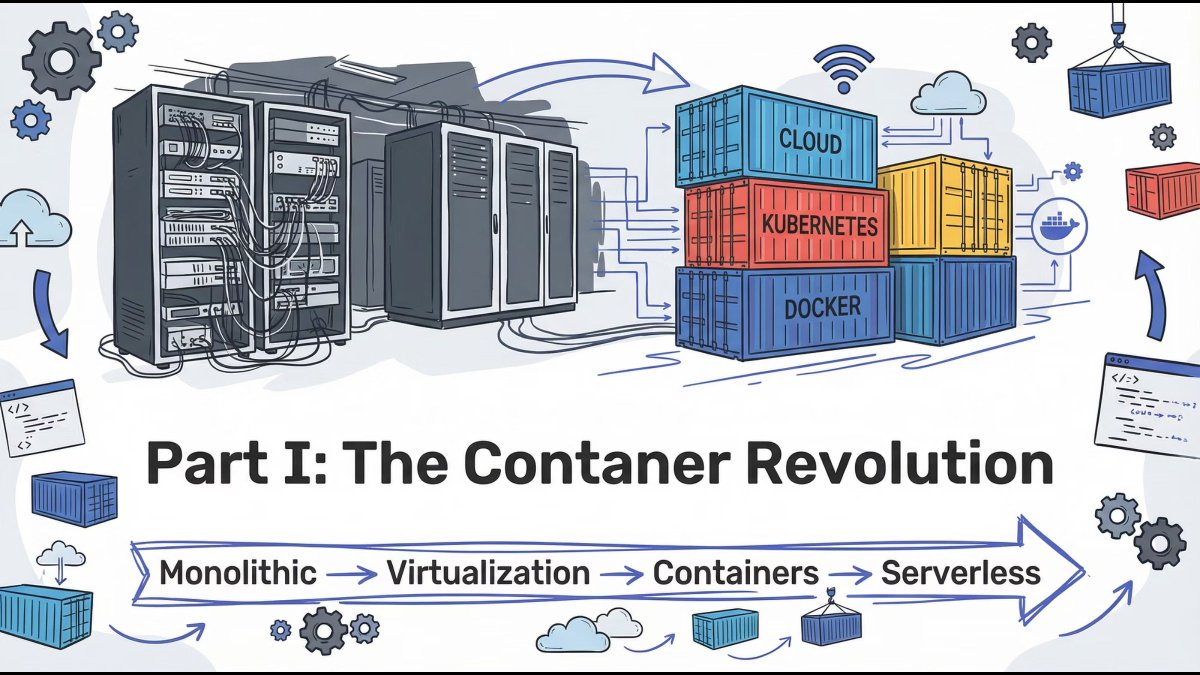
Modern application deployment evolved through clear stages:
Monolith → Virtual Machines → Containers → Orchestration
Each stage solved one major problem but introduced a new one. Containers finally gave us speed, portability, and consistency - but managing them at scale created a new challenge.
Key insight: Containers solved packaging. Kubernetes solved operations.
Before Containers: Deployment Chaos
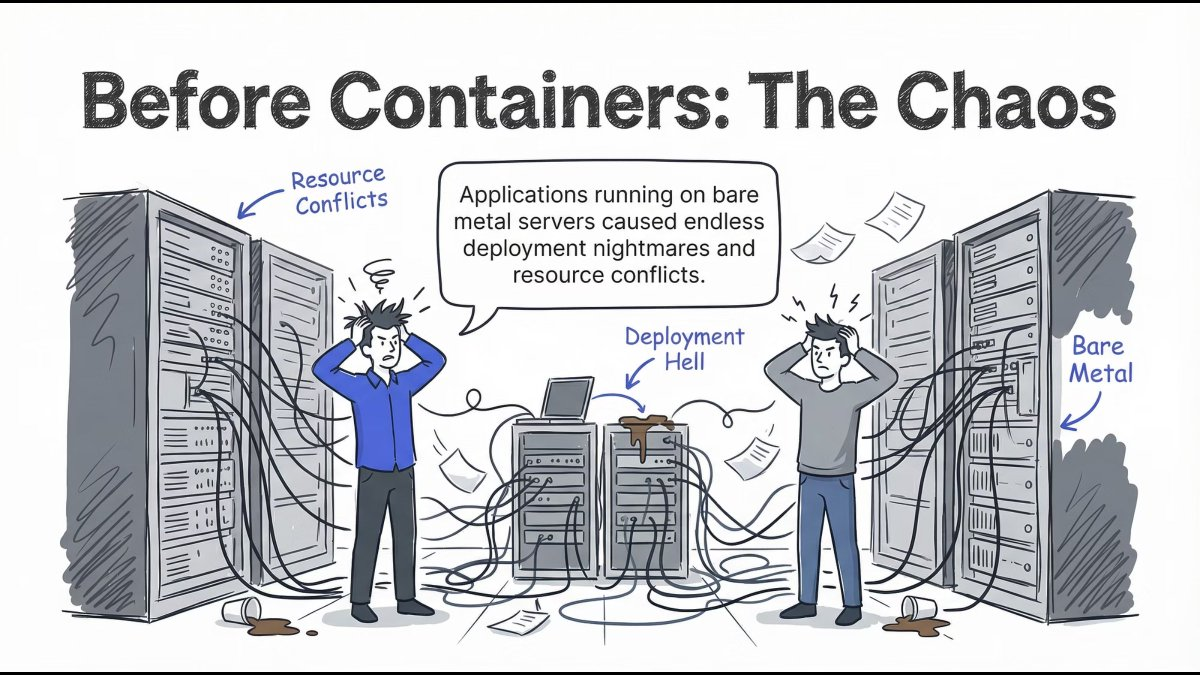
Running applications directly on servers led to:
- Resource conflicts
- Environment mismatches
- Deployment failures
- Scaling nightmares
Every release felt risky. Stability depended on luck more than design.
Lesson: Infrastructure without isolation never scales cleanly.
The Monolith Problem
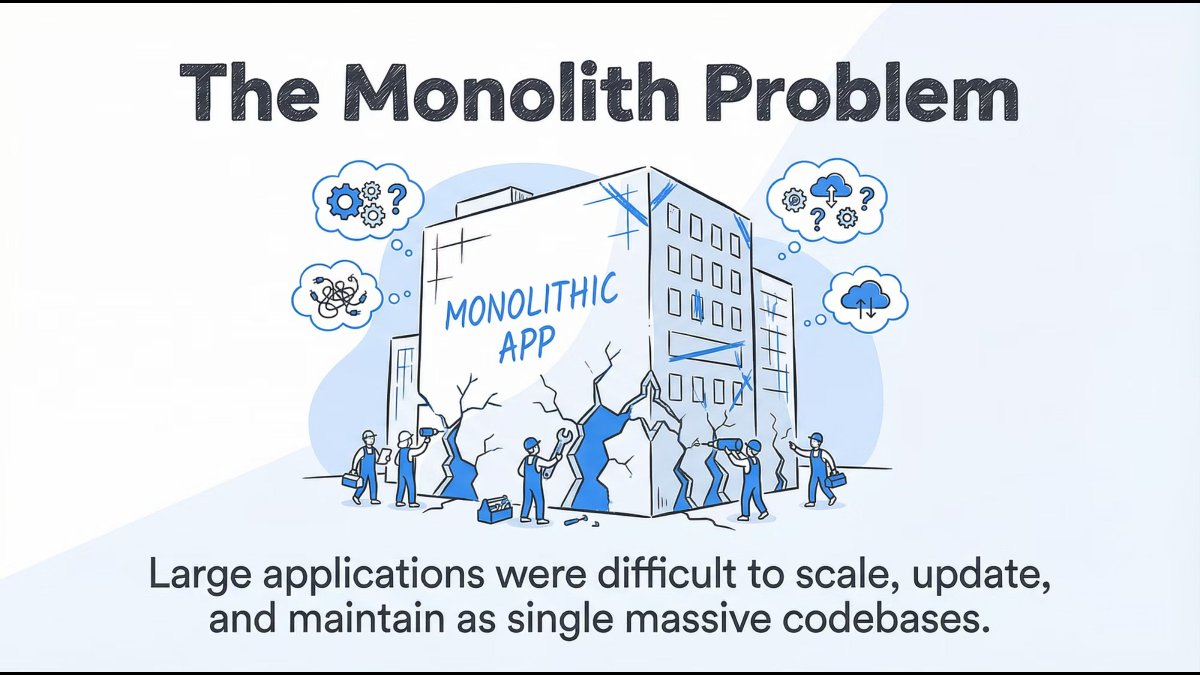
Traditional monolithic applications were:
- Large and tightly coupled
- Hard to scale independently
- Risky to update
- Expensive to maintain
A single bug could bring the entire system down.
Lesson: Big codebases don’t fail fast - they fail expensively.
Virtual Machines: The First Real Solution
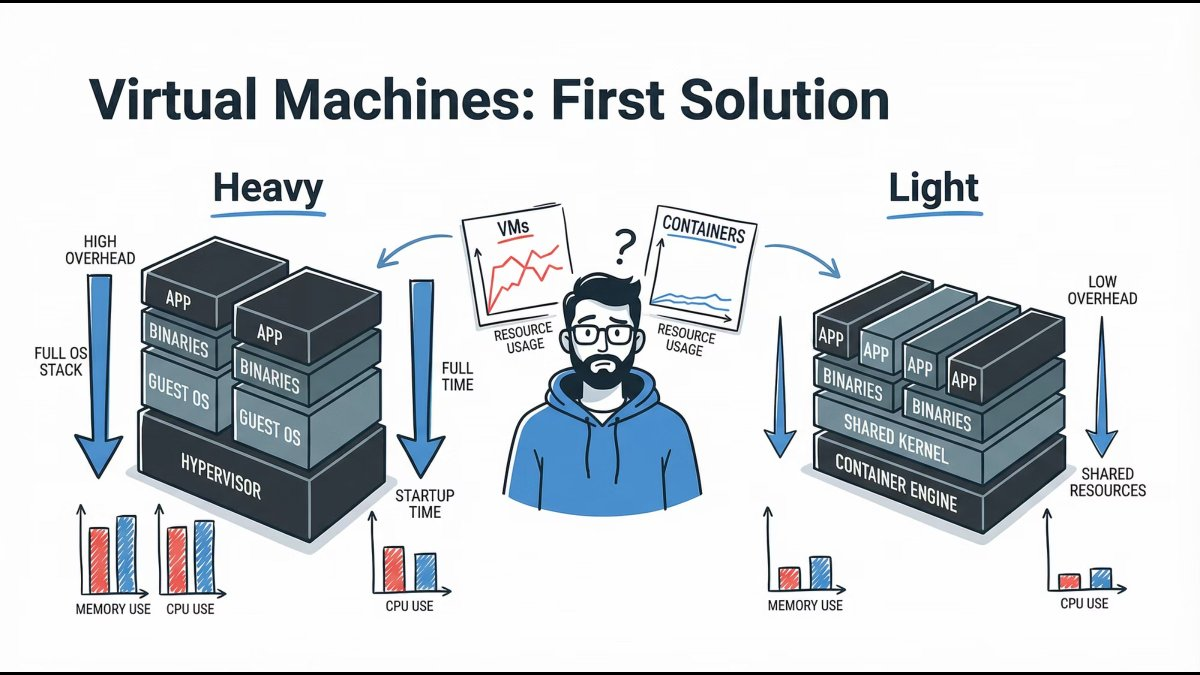
Virtual Machines introduced isolation and stability, but at a cost:
- Heavy OS overhead
- Slow boot times
- Inefficient resource usage
They were powerful, but not agile.
Lesson: VMs brought isolation, not velocity.
Docker Changed Everything
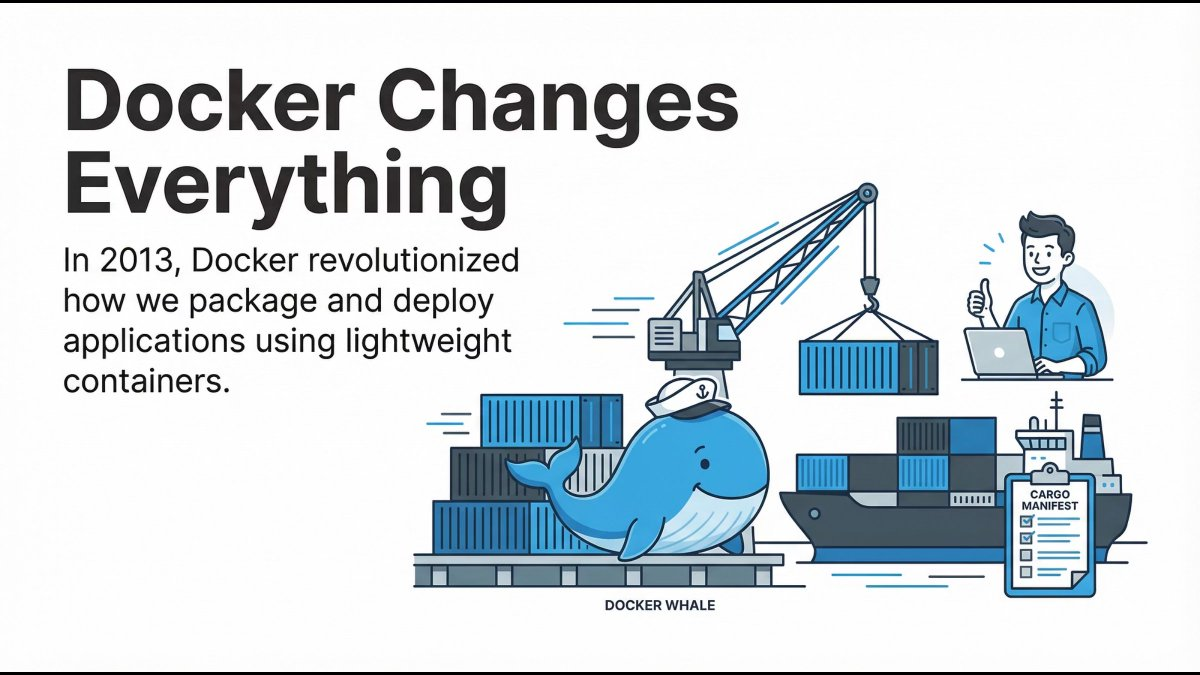
Docker revolutionized application delivery by introducing:
- Lightweight containers
- Fast startup times
- Application + dependencies bundled together
Developers finally achieved true environment consistency.
Lesson: “It works on my machine” stopped being an excuse.
Containers Are Great… Until Scale
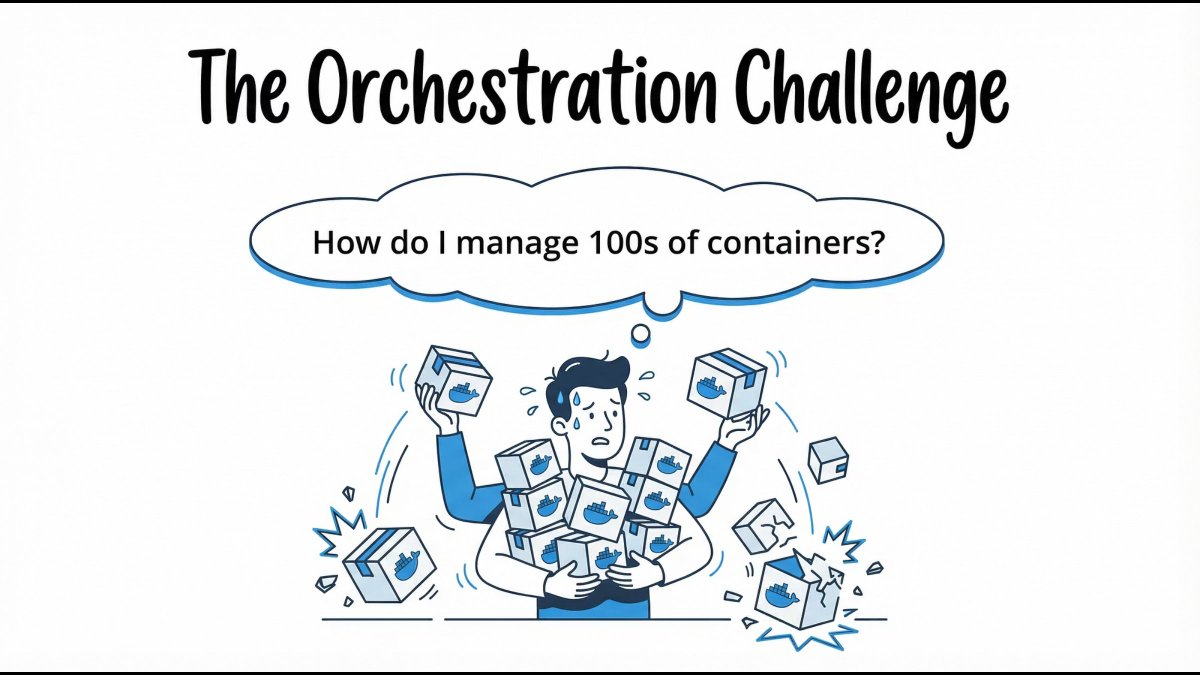
Containers solved packaging - but at scale, teams asked:
- How do we auto-scale containers?
- What happens when containers crash?
- How do we manage networking?
- How do we deploy with zero downtime?
This is where Kubernetes enters.
Lesson: Containers need a conductor.
Enter Kubernetes: The Captain of Containers
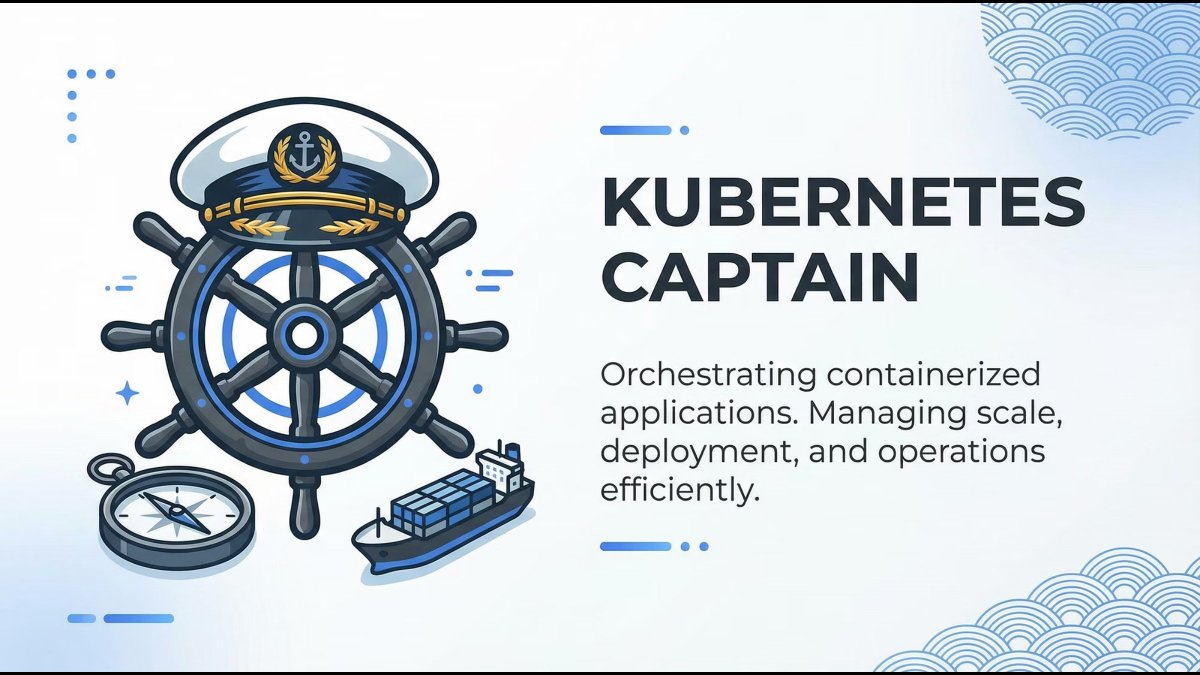
Kubernetes is a container orchestration platform that manages:
- Deployment
- Scaling
- Networking
- Self-healing
- Configuration
It doesn’t replace Docker - it coordinates containers across infrastructure.
Mental model: Kubernetes is the operating system for distributed applications.
What Kubernetes Really Promises
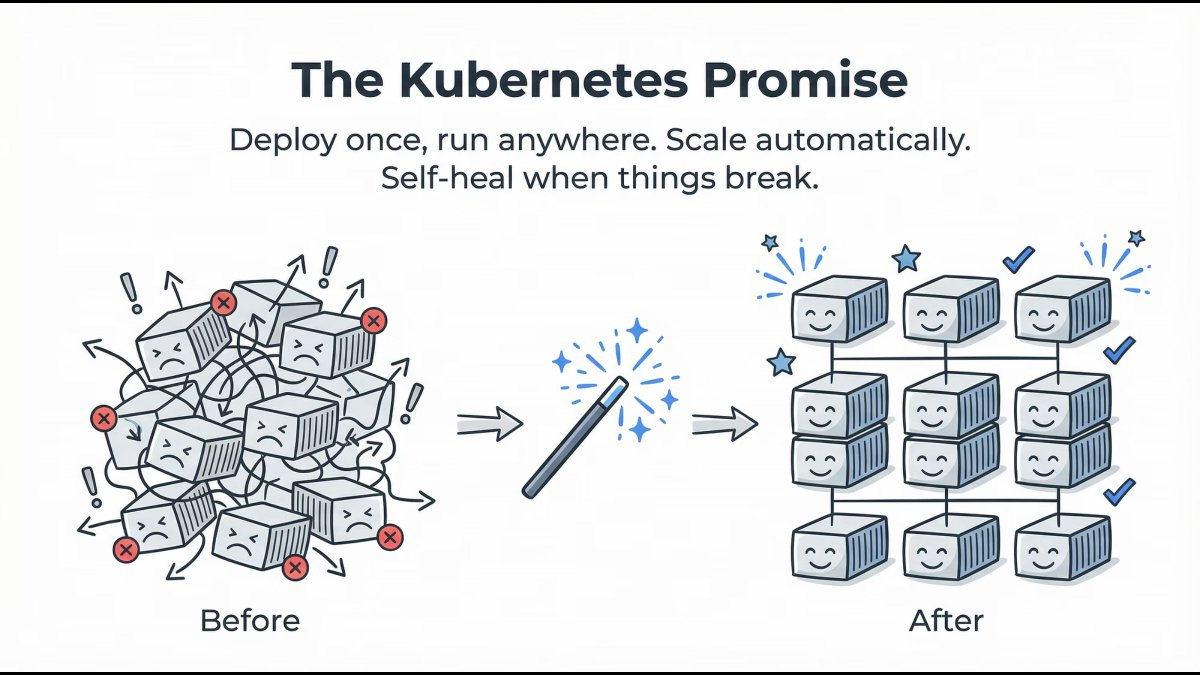
Kubernetes delivers on four core promises:
- Deploy once, run anywhere
- Automatic scaling
- Self-healing workloads
- Declarative configuration
You describe the desired state. Kubernetes continuously works to maintain it.
Lesson: You declare intent. Kubernetes enforces reality.
Kubernetes Architecture: Master & Worker Nodes
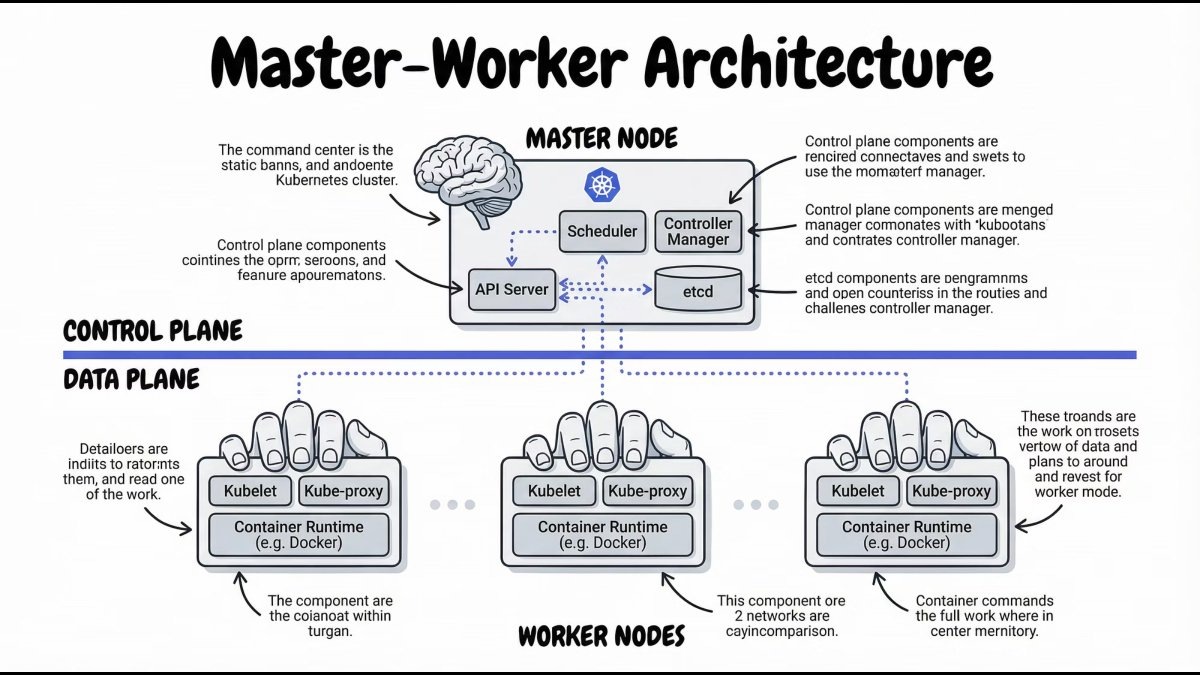
At a high level, a Kubernetes cluster is split into two parts:
- Control Plane – Makes decisions
- Worker Nodes – Run applications
This separation is what enables Kubernetes to scale and self-heal.
Inside the Control Plane: How Kubernetes Thinks
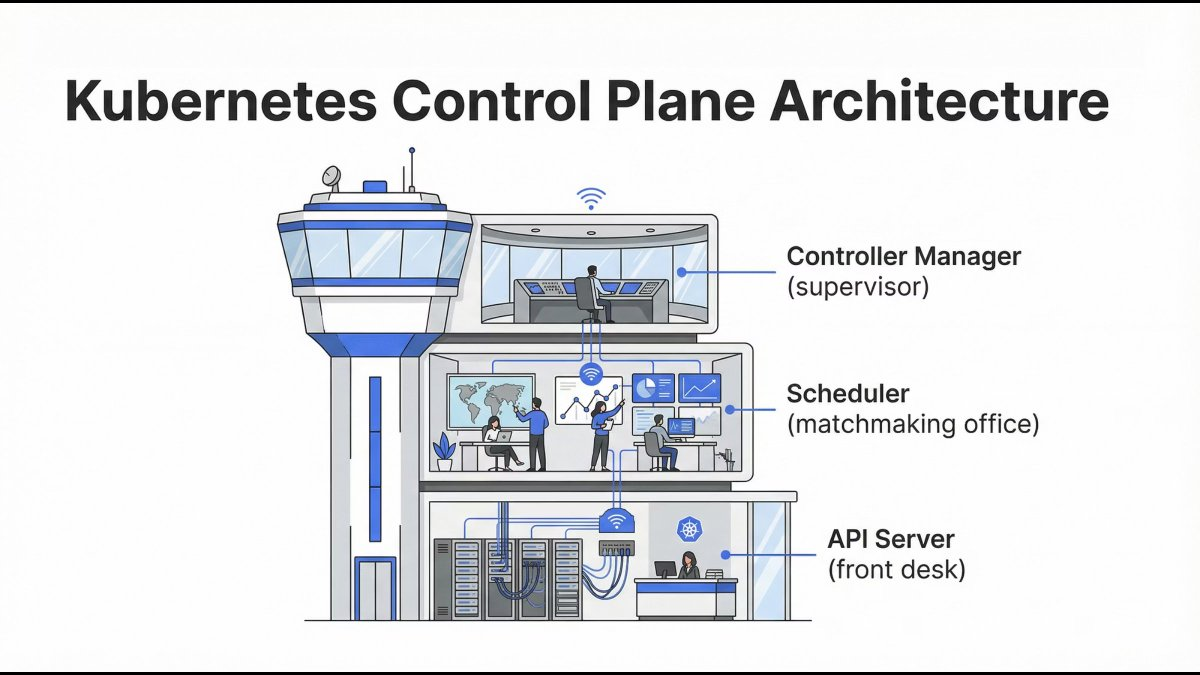
The Control Plane is responsible for:
- Accepting requests
- Making scheduling decisions
- Tracking cluster state
- Ensuring desired = actual
It doesn’t run containers - it controls everything.
API Server: The Front Door
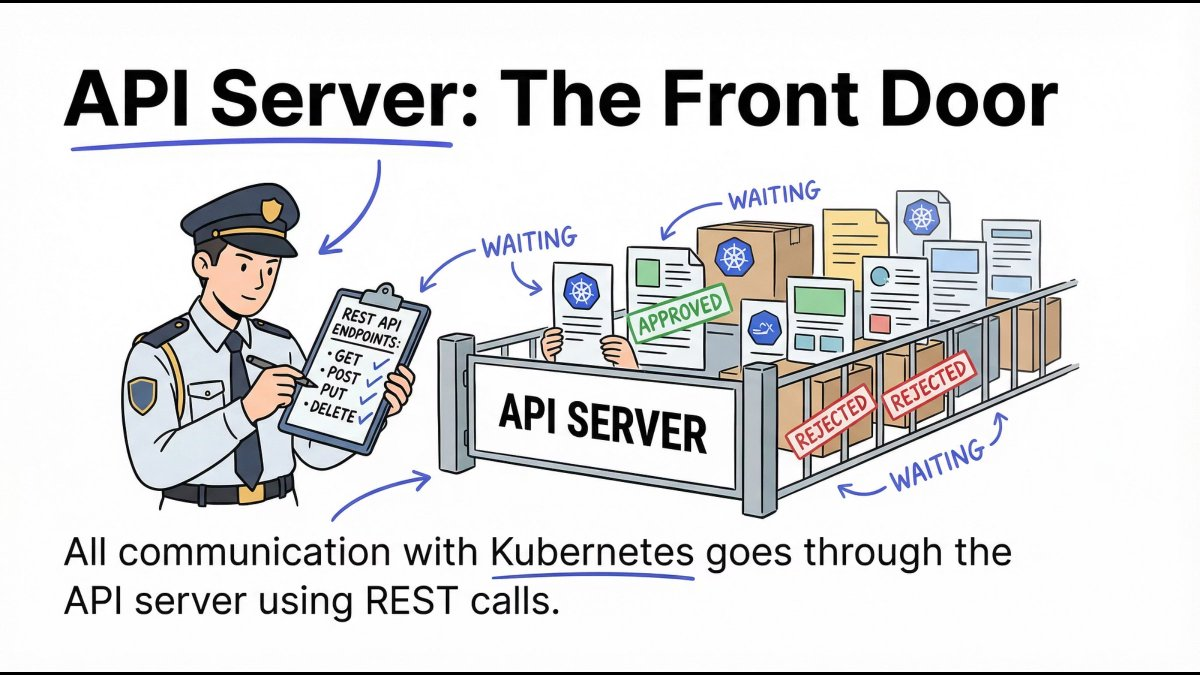
The API Server is the only entry point to the cluster.
- All
kubectlcommands go through it - All components communicate via it
- It validates, authenticates, and authorizes requests
Mental model: No API Server = no Kubernetes.
etcd: The Cluster’s Brain Memory
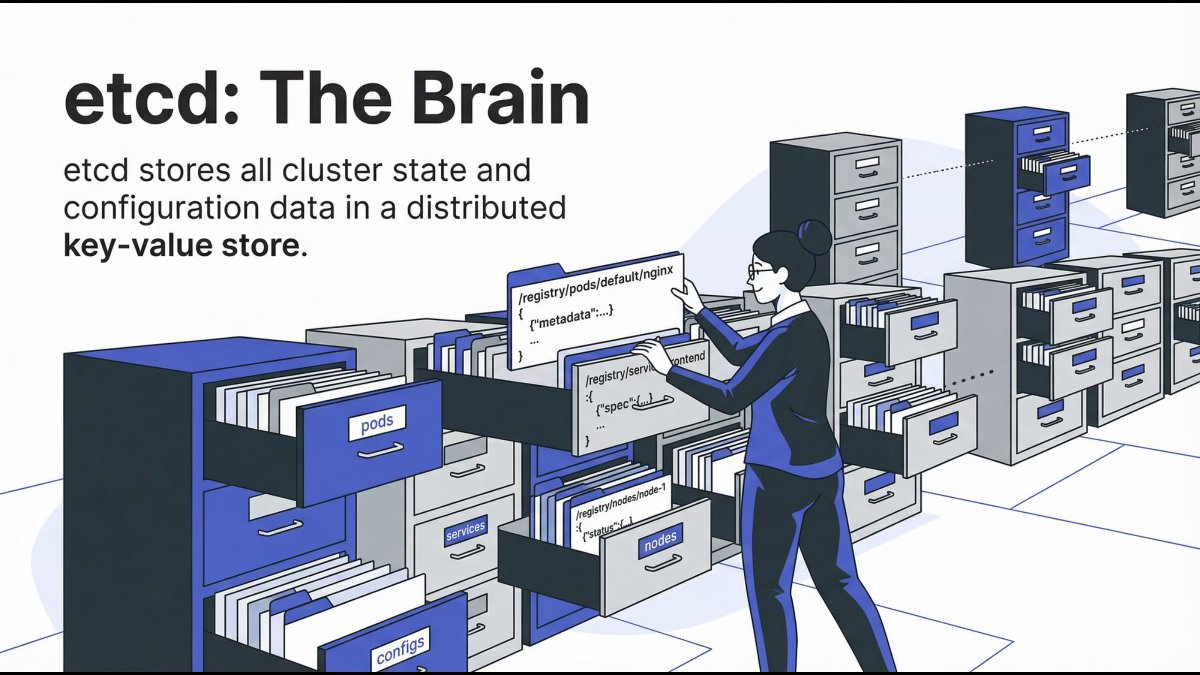
etcd is a distributed key-value store that holds:
- Cluster configuration
- Desired state
- Current state
It is the single source of truth for Kubernetes.
Mental model: If it’s not in etcd, it doesn’t exist.
Scheduler: The Matchmaker
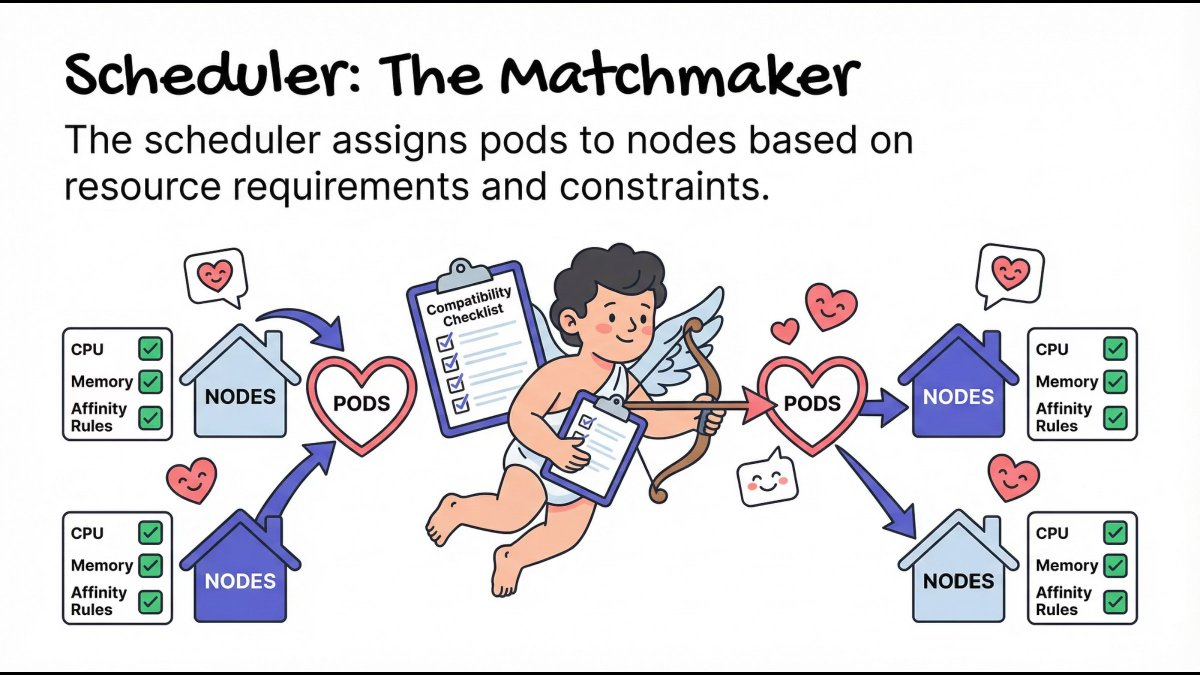
The Scheduler decides where Pods should run based on:
- CPU and memory requirements
- Node availability
- Affinity and constraints
It doesn’t start containers - it only assigns Pods to Nodes.
Mental model: Right workload, right node, right time.
Controller Manager: The Supervisor
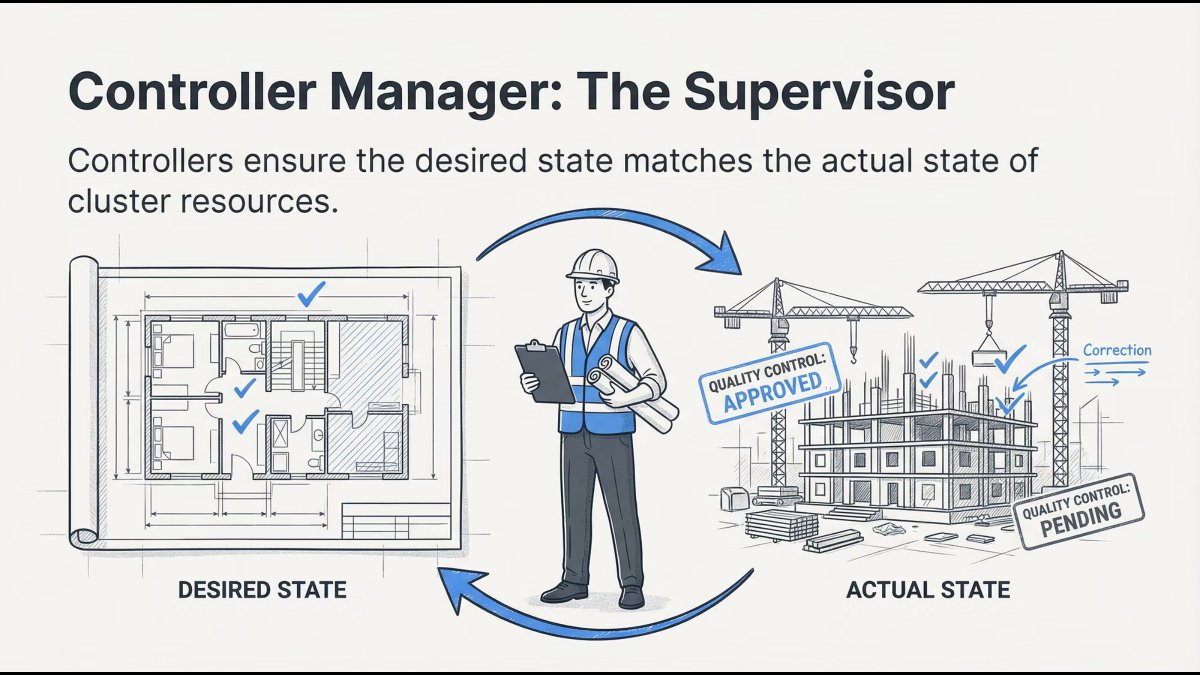
Controllers constantly compare:
- Desired state (what you want)
- Actual state (what exists)
If something drifts, controllers fix it automatically.
Mental model: Kubernetes never stops checking itself.
Worker Nodes: Where Applications Actually Run
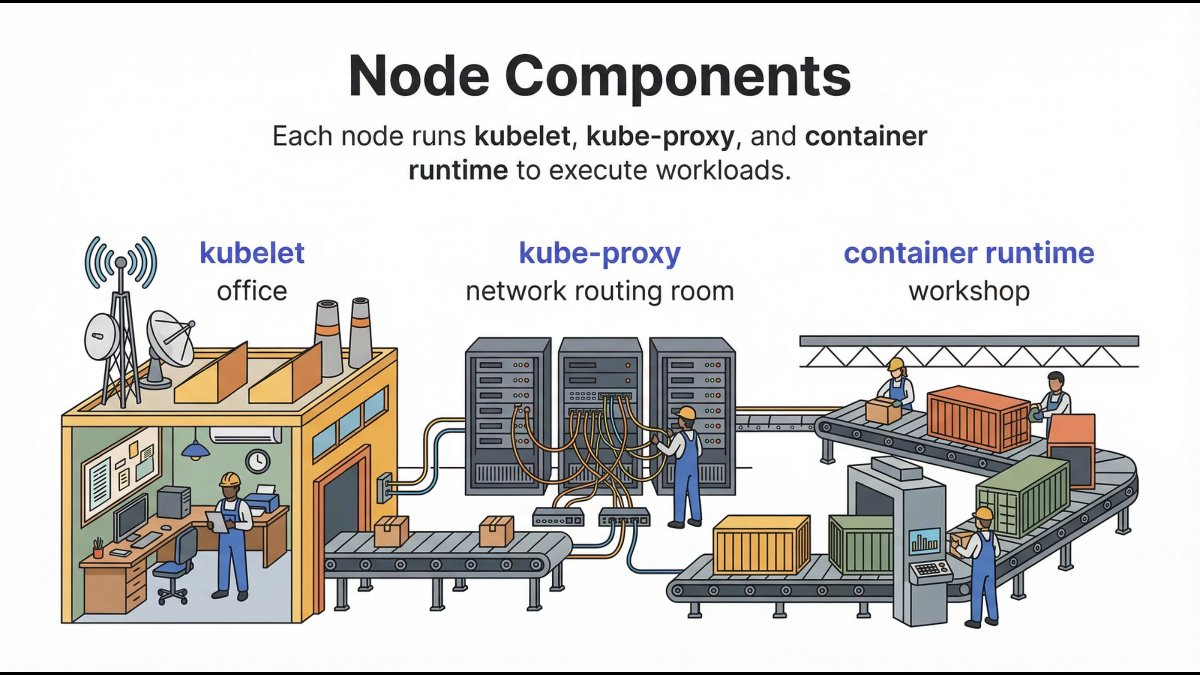
Once decisions are made, Worker Nodes execute them.
This is where your applications live.
Kubelet: The Node Manager
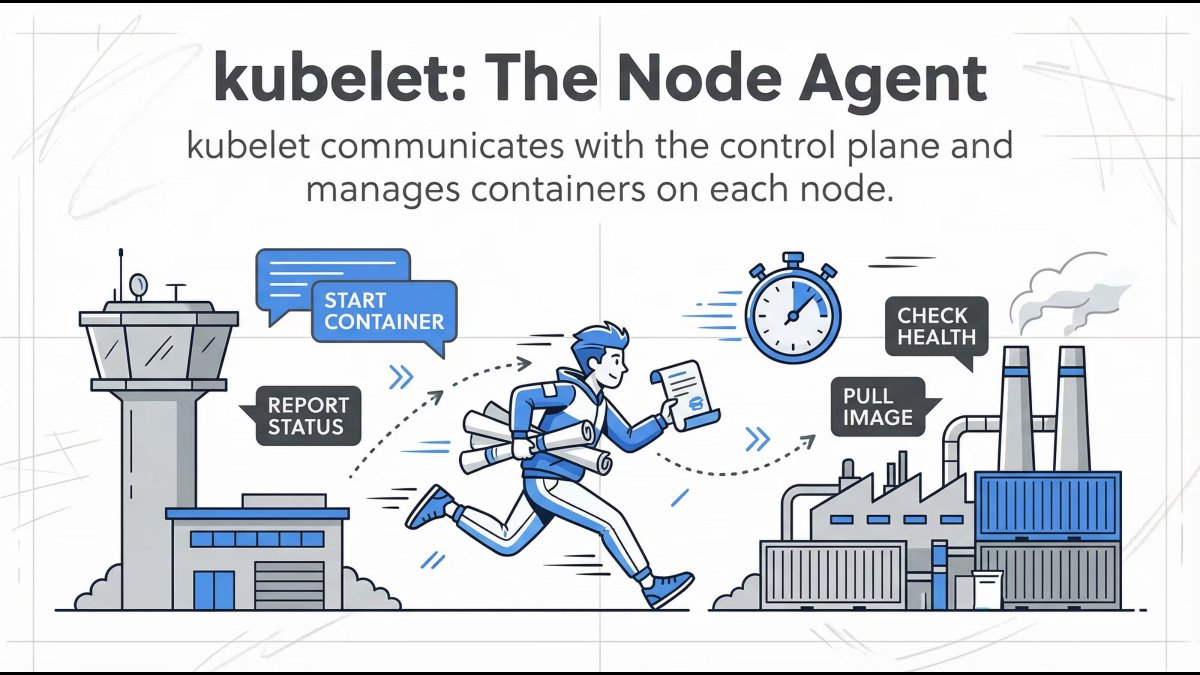
Kubelet runs on every worker node and:
- Registers the node with the cluster
- Watches for Pod assignments
- Ensures containers are running
- Reports health back to the Control Plane
Mental model: If a Pod should be running here, kubelet makes sure it is.
Container Runtime: The Execution Engine
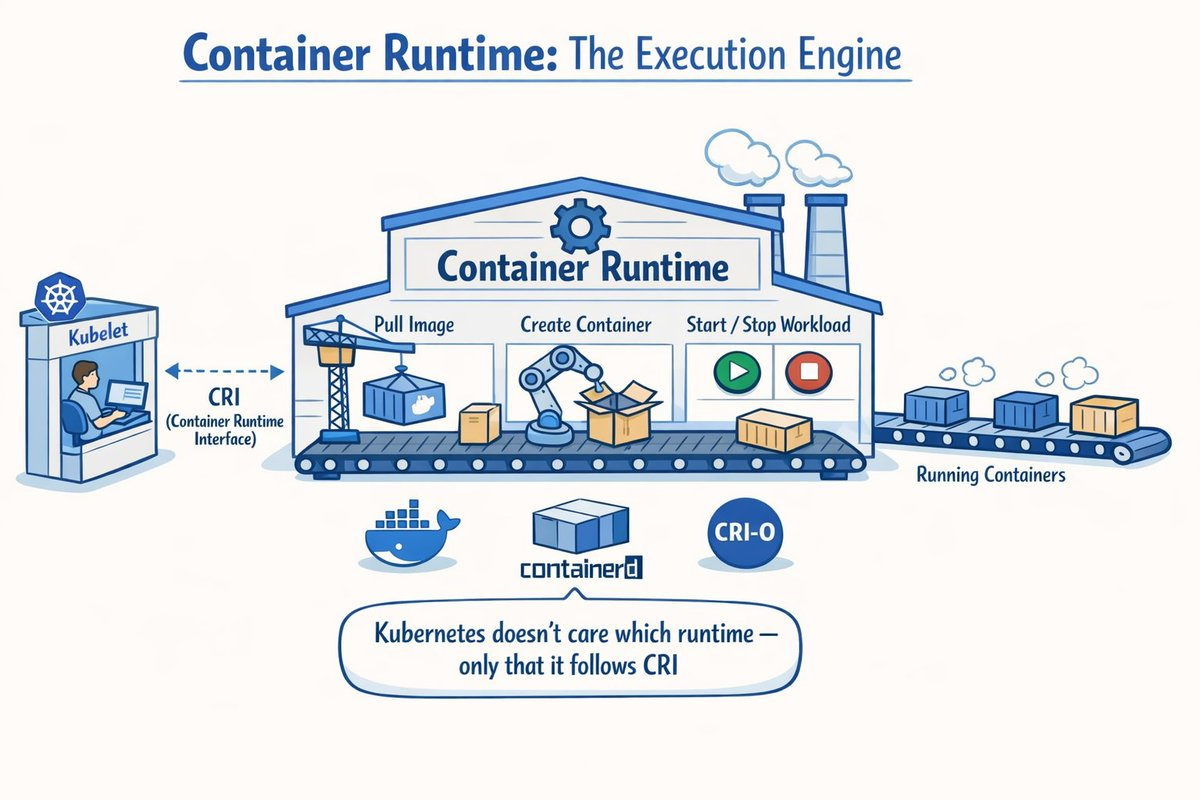
The container runtime:
- Pulls images
- Creates containers
- Starts and stops workloads
Kubelet communicates with it via the Container Runtime Interface (CRI).
Key point: Kubernetes doesn’t care which runtime you use - only that it follows CRI.
Popular runtimes include:
| |
kube-proxy: The Traffic Controller
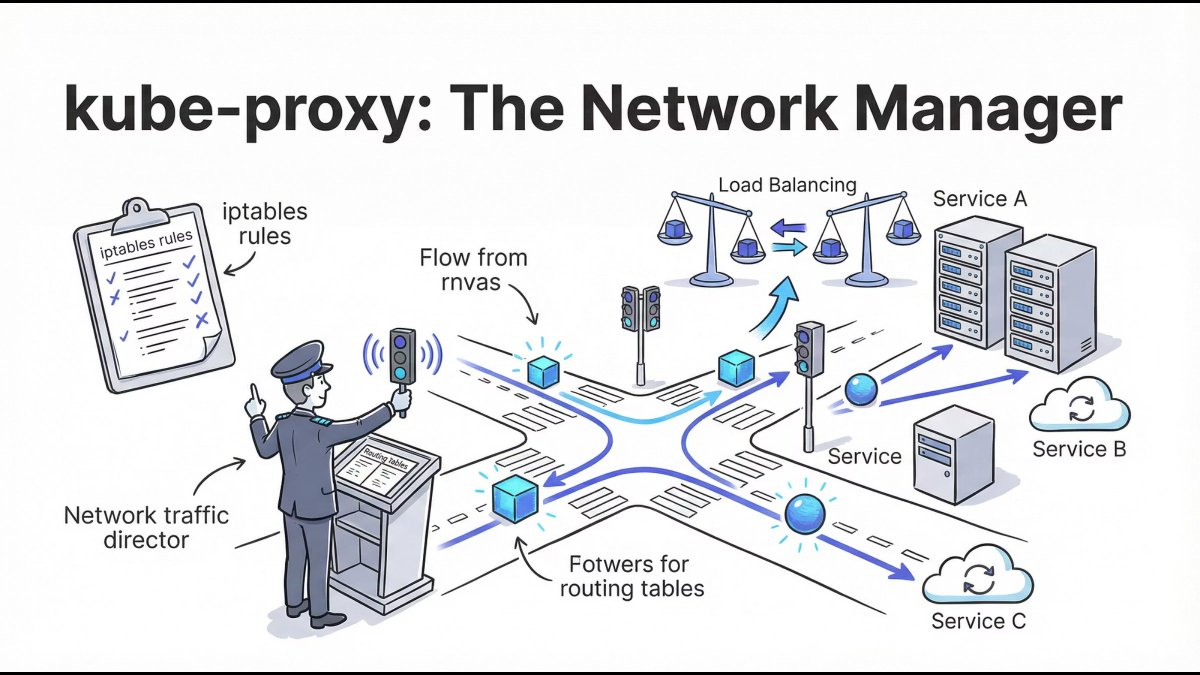
kube-proxy manages network routing inside the cluster:
- Service IPs
- Load balancing
- Pod-to-Pod communication
It ensures services remain reachable even when Pods change.
Mental model: Pods are temporary. Services are stable.
How Everything Works Together: Simplified Flow
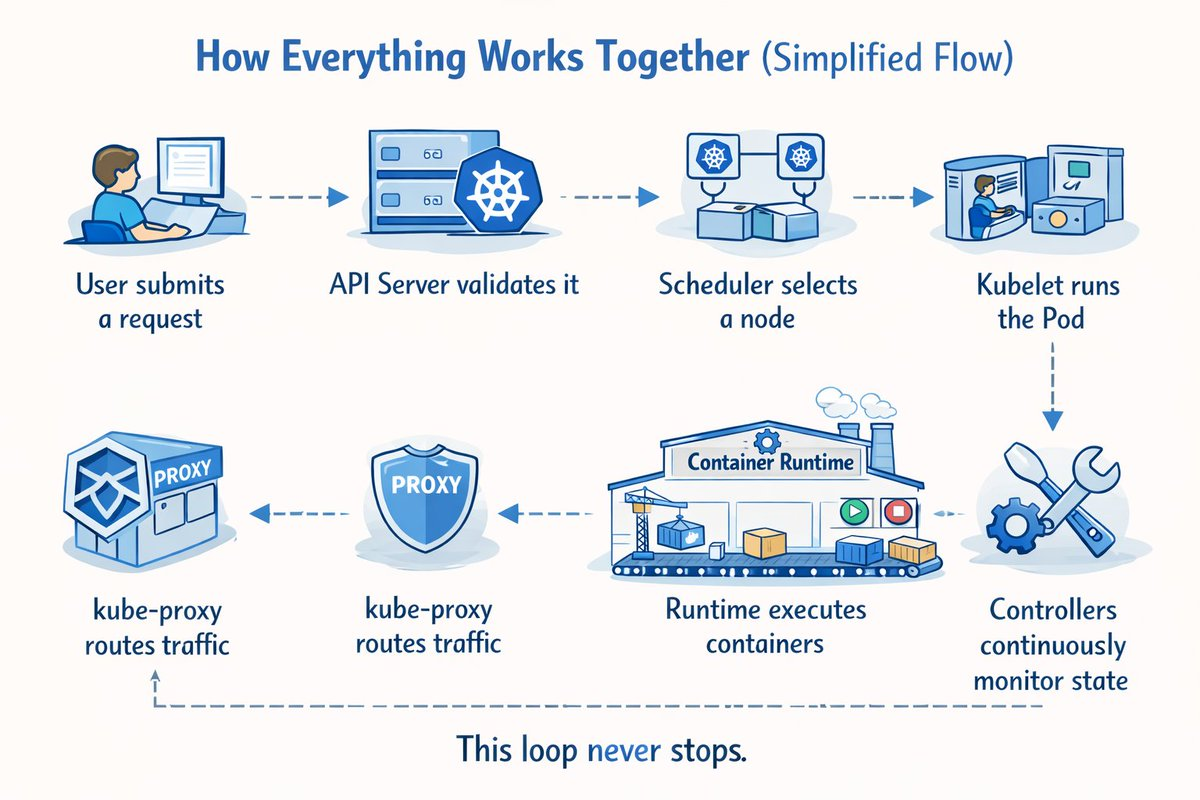
Here’s what happens when you deploy an application:
- User submits a request via
kubectl apply - API Server validates it and stores in etcd
- Scheduler selects a node based on resources
- Kubelet runs the Pod on the assigned node
- Runtime executes containers inside the Pod
- kube-proxy routes traffic to the Pod
- Controllers continuously monitor state and reconcile
This loop never stops.
Example: Deploying a Simple Application
| |
When you apply this:
| |
Behind the scenes:
- API Server receives the request
- Deployment Controller creates a ReplicaSet
- ReplicaSet Controller creates 3 Pods
- Scheduler assigns Pods to nodes
- Kubelet pulls nginx image and starts containers
- kube-proxy configures network rules
Why This Understanding Matters
Most real-world Kubernetes issues happen because of:
- Poor architectural understanding
- Weak mental models
- Blind YAML usage
If you understand how Kubernetes thinks, you can:
- Debug faster - know which component to check
- Design better systems - understand resource requirements
- Operate confidently in production - predict behavior
Common Debugging Scenarios
| Issue | Component to Check | Command |
|---|---|---|
| Pod won’t start | Kubelet logs | kubectl describe pod <name> |
| Service unreachable | kube-proxy | kubectl get endpoints |
| Scheduling fails | Scheduler | kubectl get events |
| State inconsistency | etcd | kubectl get all --all-namespaces |
Key Kubernetes Concepts Explained
Pods: The Smallest Unit
| |
Services: Stable Networking
| |
ConfigMaps & Secrets: Configuration Management
| |
Best Practices for Production
- Use namespaces for isolation
- Set resource requests and limits
- Implement health checks (liveness, readiness)
- Use declarative configuration (YAML in Git)
- Enable RBAC for security
- Monitor everything (Prometheus, Grafana)
- Plan for disaster recovery (backup etcd)
Final Thoughts
Kubernetes isn’t complicated - it’s distributed.
Once you understand:
- Why containers exist
- Why orchestration is required
- How control plane and nodes interact
Kubernetes stops being scary and starts being powerful.
The key takeaway: Kubernetes is a declarative system that continuously reconciles desired state with actual state. Every component plays a specific role in this reconciliation loop.
Start simple, understand the fundamentals, and gradually add complexity as needed.
Further Reading
Happy orchestrating! 🚀